Outstanding
Outstanding AI Video Generator
Your desk concert cast: choose any of five roles, from the keyboard to the sax solo.
- 1–5 photos
- 15 s
- 9:16
- With sound
See what you get
Real examples made with this template. Bring your ideas to life with your own photos.
Add your photos
Photo requirements for Outstanding
- Use one front-facing half-body portrait per role, with the full head, shoulders and upper body visible, ideally down to the waist. For pets, show the complete head and upper body.
- Use a sharp original image with even lighting and an unobstructed face. Recommended: at least 1024 pixels on the long edge, such as 1024 × 1536. Avoid blur, strong filters and compressed screenshots.
- JPEG or static PNG, up to 10 MB each. Avoid tightly cropped headshots, group photos, sunglasses and heavy shadows.
Keyboard singer
Left backing singer
Right backing singer
Lead singer
Saxophone player
Choose any 1–5 roles. Empty slots keep the performer shown in the template.
One person or pet per photo, face toward the camera, sharp and bright. JPEG or static PNG.
If a video fails, your credits come back.
How to make your Outstanding video
Upload your photos
Choose a role and upload a clear photo. Fill 1–5 slots; leave the rest to keep the template cast.
Render the video
Pick standard or HD and spend the credits shown. We make a 15-second 9:16 video, and if the render fails, your credits come back.
Post it
Download the MP4. The track is already in it, so you can post it as it is.
The Outstanding desk concert trend
Records, books and a band packed around a desk: our take on the Outstanding desk concert trend has five replaceable roles. Choose the keyboard singer, left or right backing singer, lead singer or saxophone player. Upload 1–5 photos; unfilled roles keep the template cast. The 15-second reference moves from the opening group to the lead and then the sax, with audio. Not affiliated with NPR, Tiny Desk Concerts or any artist.
Where the Outstanding trend came from
The song is "Outstanding," the number Charlie Wilson closed his 2023 Tiny Desk concert with. Tiny Desk is a registered trademark of NPR, which is why our template goes by the song's name instead.
People call the AI version the Tiny Desk AI trend. It started on October 18, 2026, when a TikTok creator posted a "losing coach" version that passed 4 million views. Then it kept going:
- On October 26, the White House's official account posted a political version, as AOL reported.
- On November 3, Toni Braxton posted her own version, which Complex covered the next day.
Around October 25, searches for "tiny desk ai" passed searches for the Hotel Lobby AI trend, and they peaked on October 27. The joke stays the same in every version: someone you wouldn't expect, hitting the big note behind a desk full of records. Losing coaches, politicians and singers have all taken a turn.
How to get an Outstanding AI video that looks like you
Five labeled photo slots let you choose your cast: the keyboard singer, left backing singer, right backing singer, lead singer and saxophone player. Fill any one, several or all five. An empty slot keeps that performer from the template, so a solo joke needs just one photo. The role thumbnails show who each slot replaces. Left and right refer to their positions in the opening frame, as you view the video.
- Start with a clear half-body portrait. Include the complete head, shoulders and upper body, ideally down to the waist. Use an original image with at least 1024 pixels on its longer edge where possible; 1024 × 1536 is a suitable example. Small, blurry or heavily compressed images provide less reliable facial and clothing detail.
- Put the clearest face in the singer's slot. The middle shot focuses on the lead singer, so that role needs a photo with clear facial detail.
- Give the lead a full, open face. The singer performs the middle section with an expressive face and moving mouth. A photo with nothing covering the mouth or chin gives the AI the most to work with.
- Remember the sax player's mouth is busy. During the solo, the saxophone player has a mouthpiece in, so their hair, face shape and skin tone carry the likeness. Pick a photo where those are sharp.
- Use plain light. Colored party lights and beauty filters shift skin tone and face shape, and the AI copies what it sees. Daylight or ordinary indoor light is the safer choice.
- Keep it to one person or pet per photo. Use a separate portrait for each selected role and avoid group photos. If you crop an image, keep the full head and upper body visible.
- Let a pet take a part. The AI keeps a pet's breed, markings, fur color and eye color from the photo. A front-facing shot with the whole head in view works best.
Standard 768P costs 100 credits and HD 1080P (AI enhanced) costs 200. HD uses AI upscaling after native 768P generation. Packs and prices are on the pricing page, where each pack shows its credit validity. Every new attempt is charged again at the quality you choose, so pick the quality you'd post.
Outstanding video ideas
- Your best friend on lead and you on sax, posted on their birthday.
- Your dog belting the high note while you take the sax solo.
- You and your partner, with whoever sings in the shower on lead.
- Five old bandmates, back together with one photo in each role.
- A nod to the trend's first hit, posted the night your fantasy team loses.
- Your cat on sax for the pet account, with you on lead.
- A coworker who's in on the joke, shared in the team chat on Friday.
Posting your Outstanding AI video
The template has audio, which you can hear in the sample before choosing your cast. Generation uses the fixed reference video's embedded soundtrack. The demo is an example of a completed generation, while the role thumbnails identify the performers in the fixed reference. Watch and listen to the result before posting: the opening group, the lead vocal and the sax solo should follow the reference in that order. Each request generates a new result, so expressions, actions, framing and timing may differ from the demo. If you want a different sound, mute or replace the included track in your posting app, bearing in mind that new music may not match the performance.
The clip is approximately 15 seconds and vertical 9:16, so it fills the screen on TikTok, Reels and YouTube Shorts. It has three shots, rather than one continuous take: keyboard and backing singers first, the lead singer next and the saxophone player last. The opening roles share screen time, while the last two get individual shots. Watch the full sample to choose the role your joke depends on.
Say what it is in your caption: "Tiny Desk AI trend" helps people searching for the trend find you, and #tinydeskai is the natural tag. Don't caption it as a real Tiny Desk concert or add NPR's logo, because it isn't one.
TikTok, Instagram and YouTube each let you mark a post as AI-generated. Turn that on when you upload, and tag your bandmate only if they're happy to be tagged.
What the Outstanding template won't do
- There are five fixed roles. Uploading a photo changes that performer's identity; it does not add a sixth musician or change the instrument assigned to a role.
- It won't show NPR or Tiny Desk branding, and it doesn't copy the original singer's look. The set, lighting and background follow the template's sample.
- It won't put text or captions in the video. Add those in the app when you post.
- It makes one format only: approximately 15 seconds, vertical 9:16, with audio.
- It won't put politicians, celebrities or other public figures behind the desk, even though some of the trend's best-known versions starred them.
- It won't take photos of anyone under 18. Everyone in your photos must be an adult who agreed to be in the video.
- At least one photo is required, but the other four are optional. To replace only the sax player, put a photo in Saxophone player and leave the other slots empty. For a different solo scene, Bulin 47 AI puts one person at the center of a street freestyle.
Page updated November 9, 2026.
Finished videos are kept for 30 days. Your photos go to our AI provider with the request and are never stored on this site.
An independent tool inspired by a viral trend. Not affiliated with any artist, label, show or social platform. Use only photos you have the right to use.
Outstanding questions
More stages
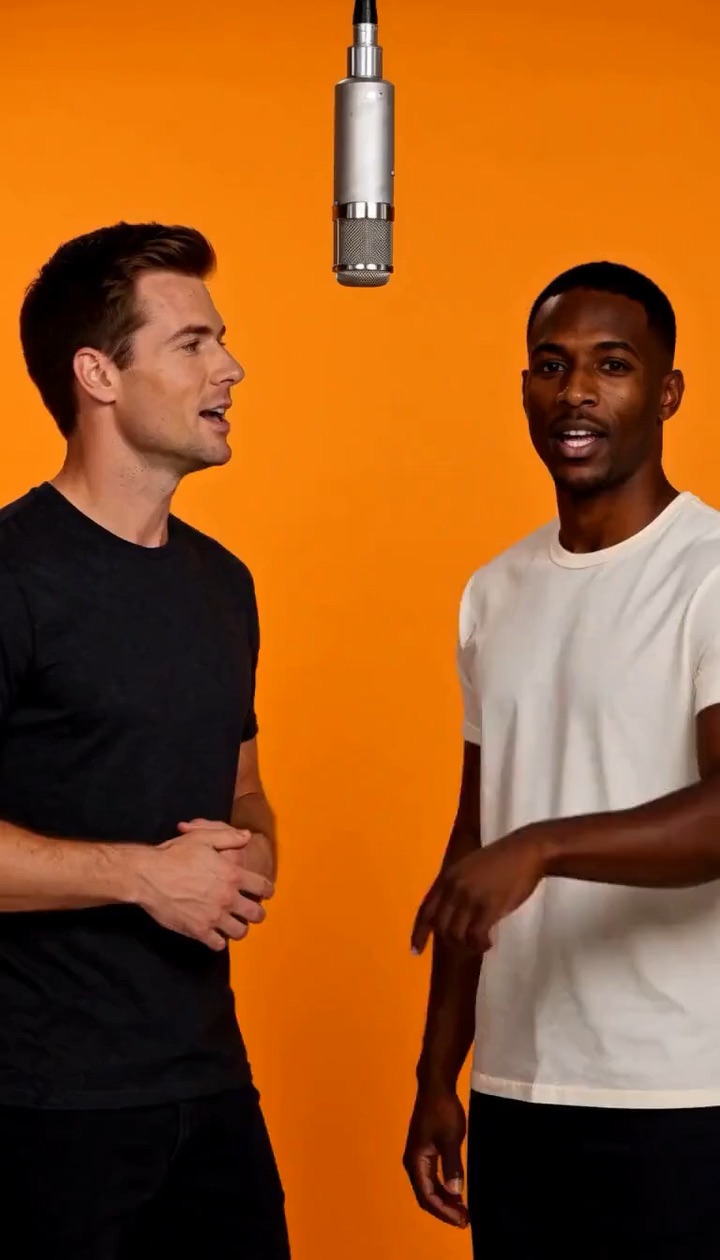
Hotel Lobby Duo
2 photos
An orange booth, one hanging mic, you and a friend trading bars.
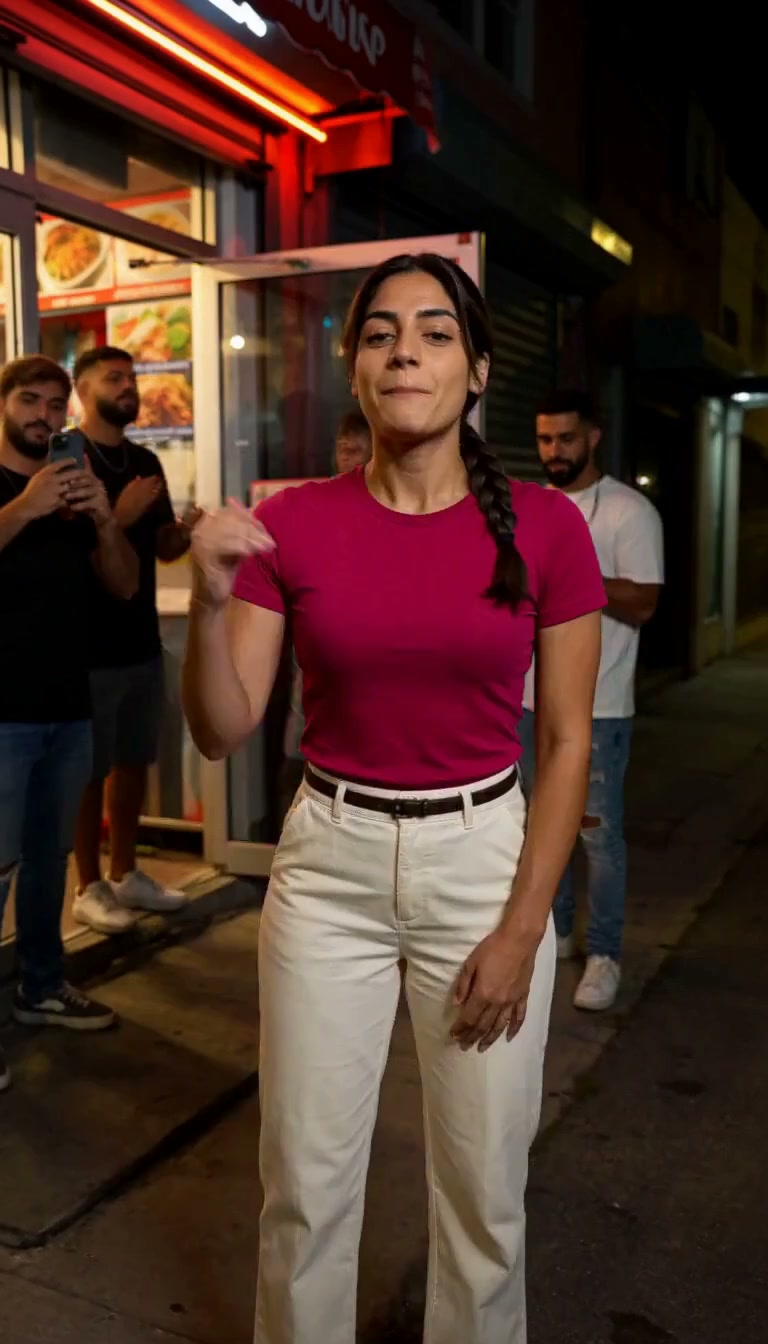
Bulin 47
1 photo
Your photo. Your look. A 15-second original street rap with music and vocals.
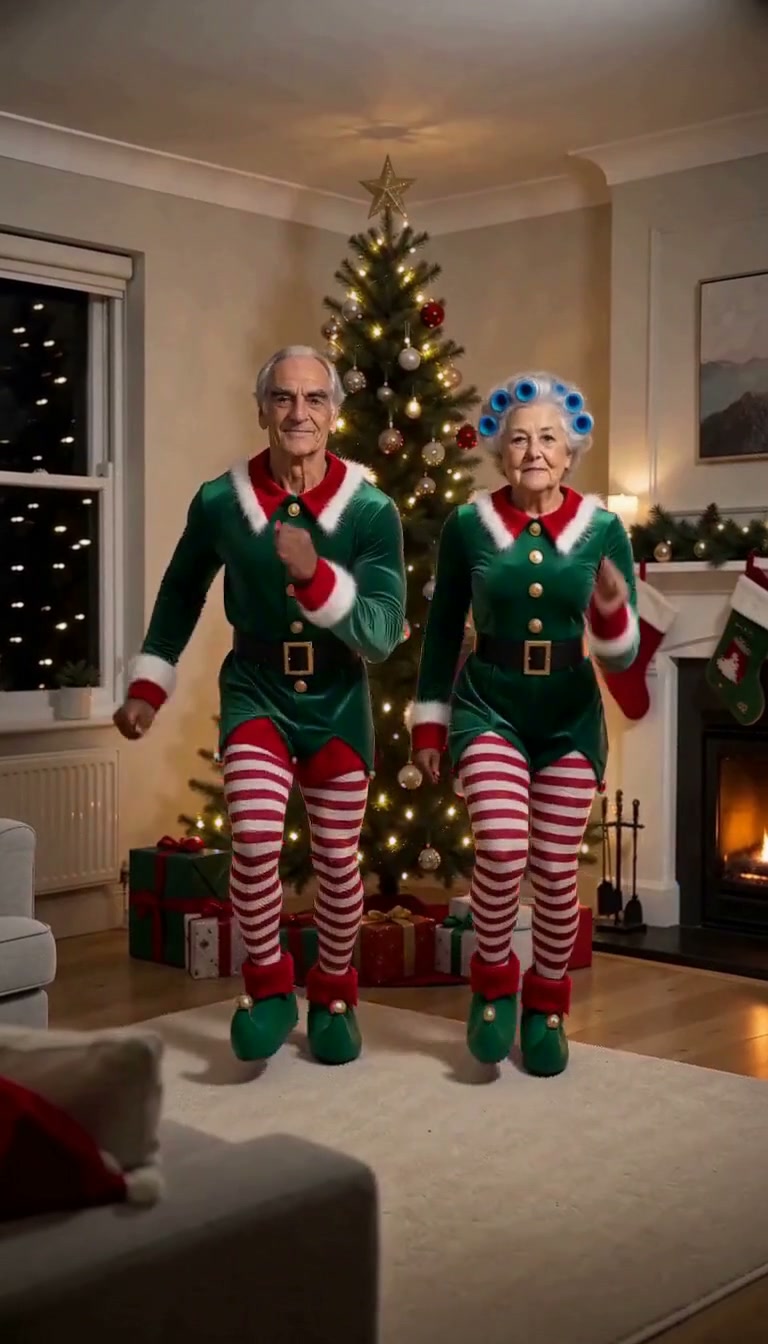
Elf Dance
1–2 photos
Two elves, one Christmas dance. Add one or two photos and step into a Jingle Bells duet.
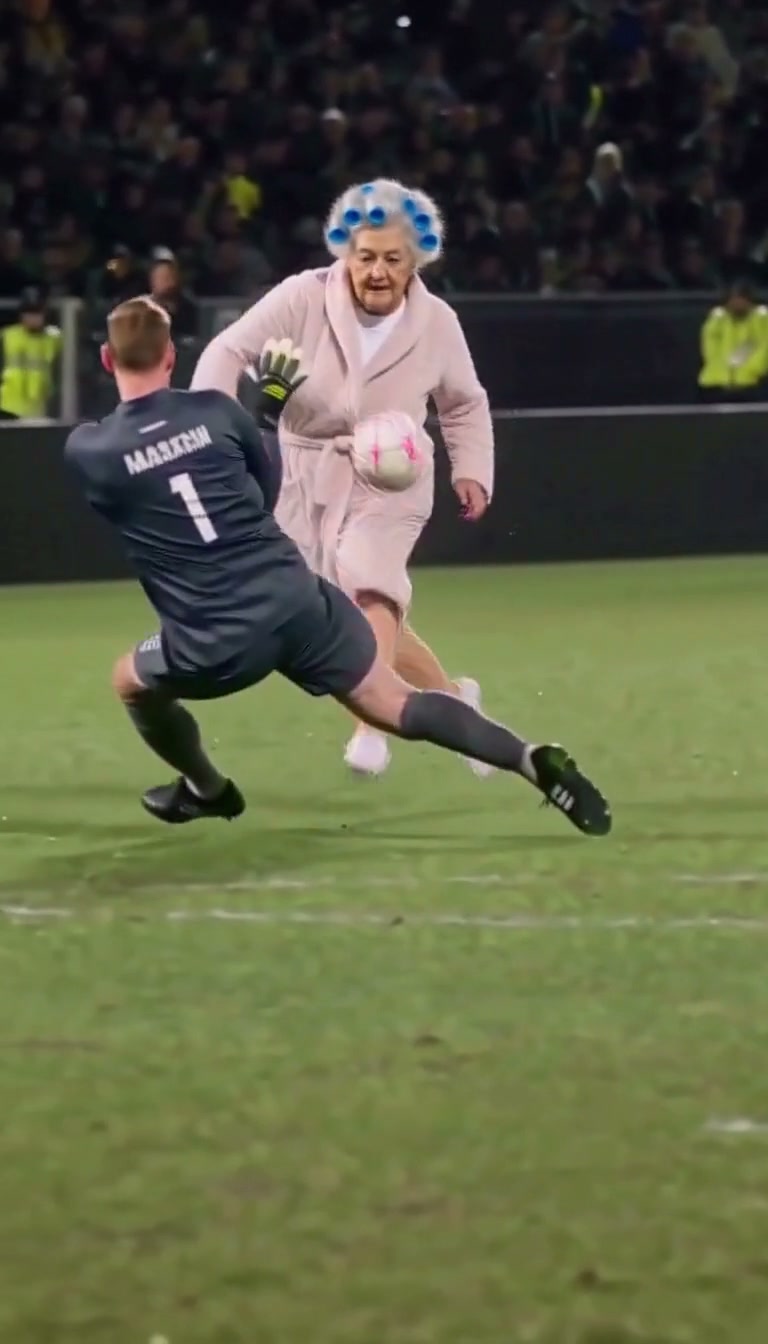
Ozil Goal
1 photo
Chip the keeper, evade two defenders and finish the goal in your own clothes, following a 14-second replay with audio.