Elf Dance
AI Elf Video: Dance Together to Jingle Bells
Two elves, one Christmas dance. Add one or two photos and step into a Jingle Bells duet.
- 1–2 photos
- 12 s
- 9:16
- With sound
See what you get
This is the template master. Your photos replace the selected performers; the scene and performance follow this clip.
Add your photos
Left elf dancer
Right elf dancer
Choose any 1–2 roles. Empty slots keep the performer shown in the template.
One person or pet per photo, face toward the camera, sharp and bright. JPEG or static PNG.
If a video fails, your credits come back.
How to make your Elf Dance video
Upload your photos
Choose a role and upload a clear photo. Fill 1–2 slots; leave the rest to keep the template cast.
Render the video
Pick standard or HD and spend the credits shown. We make a 12-second 9:16 video, and if the render fails, your credits come back.
Post it
Download the MP4. The track is already in it, so you can post it as it is.
Your Christmas duet, with music included
Step into a warm Christmas living room with a glowing tree, matching green elf outfits and Jingle Bells already playing. Choose the left dancer, the right dancer or both. Use your photos to choose who stars in the video, with synchronized steps, playful palm claps and a cheerful finish. Leave a slot empty to keep that dancer from the sample.
A Christmas elf dance for two
An AI elf video turns a familiar holiday greeting into a small performance. This template places two dancers in a warm living room beside a decorated Christmas tree. They wear green elf outfits with red trim, striped leggings and soft green shoes. The routine moves from synchronized steps and swinging arms to a playful palm-clapping exchange, then finishes with both dancers facing the camera and celebrating.
Watch the sample before choosing your photos. It shows the actual dance, room, costumes and music used for this template. The Jingle Bells soundtrack is already part of the video. Your new clip follows that performance, so you can concentrate on choosing a creative pairing that will make your family or friends laugh.
Choose the left dancer, the right dancer or both
There are two independent upload slots, labeled Left elf dancer and Right elf dancer. Left and right mean the positions you see at the beginning of the sample. The dancers turn during the routine, but each uploaded photo remains assigned to the same performer throughout the clip.
Fill both slots to make a duet with your partner, a friend or another adult family member. Use a separate photo for each person. If you only want to put yourself in the dance, fill either slot and leave the other empty. The unselected dancer stays as shown in the sample. The scene still contains two dancers, and the price does not increase when you replace both.
For a larger family, make several duets and send them together. This template supports two positions in each video; it does not turn a group photo into a four-person dance. A good pairing can be enough for the joke: two grandparents, two consenting coworkers, or you beside the original dancer.
Pick photos with clear faces
Your photo supplies the selected dancer's likeness, including facial features, hair and recognizable head accessories. The template supplies the green costume and the stage. You do not need to buy an elf outfit or photograph yourself in front of a Christmas tree.
Choose an original camera photo with even light across the face. A front-facing or gently turned head is easier to recognize than a profile. Show the whole head and, when possible, some shoulders and torso. Avoid sunglasses, motion blur, strong beauty filters and hands covering the face. Colored holiday lights can make skin tones harder to read, so an ordinary daylight portrait is often the better choice.
Each upload should contain one person or pet. Crop other faces out of a group photo before uploading it. For pets, use a clear view of the eyes, ears and distinctive markings. Animal faces and body shapes can behave differently in a human dance, so review the finished result before sending it to others. Everyone shown in a person photo must be an adult, and you must have their permission to use the image.
Jingle Bells music is included
The dance includes a bright instrumental Jingle Bells soundtrack, with a bell melody and a steady rhythm. The steps and palm-clapping sequence follow the sample's timing. There is no audio upload field, no song selection step and no need to find a separate Christmas track before sharing the result.
The familiar composition is by James Lord Pierpont. A new instrumental arrangement was prepared for the sample, and the finished video keeps the soundtrack returned with that approved performance. This is not a recording taken from a commercial Christmas album. The melody is performed as a bright instrumental arrangement without vocals.
Use the player's sound control to hear the sample. If a social app mutes your uploaded video, check that app's audio settings before adding another song. Adding a second track over the included music can make the rhythm harder to follow.
What stays the same in your video
The room, tree, gifts, lighting, elf outfits and dance routine come from the sample. Your everyday clothes are replaced by the green costume. Your chosen dancer's appearance comes from the uploaded photo, including their hairstyle and recognizable accessories, rather than the sample actor's styling. An untouched slot keeps the original actor's appearance.
The video uses the same forward movement, turns, interaction and cheerful ending. The camera begins with both dancers in view and moves closer as the performance develops. There are no custom greetings, names, extra dancers or different rooms to configure. If you want a written message, add a short caption when sharing your finished clip.
Quality, timing and saving your clip
The output is a vertical video of about 12 seconds. The sample lasts 12.25 seconds with its complete ending. Standard quality is native 768P for 100 credits; HD is 1080P (AI enhanced) for 200 credits. HD uses AI upscaling after native 768P generation. Both choices use the same dance and soundtrack. See the credit packs for the available purchases.
Generation time depends on the queue and quality. You can leave the page while the job runs and return to My videos later. If generation fails, the credits are returned. Finished videos remain in your account for 30 days, so download the MP4 if you want to keep it for next Christmas.
Send a holiday duet
A vertical MP4 fits a family group chat, a video greeting or a short social post. Keep the caption simple, such as "Our Christmas dance, made with AI." Use the platform's AI-content label when posting it publicly. Ask both people before turning a private greeting into a public post.
A downloaded file is the best choice for a lasting keepsake. Optional sharing links let someone watch in a browser, but they stop working when the video expires. For another two-person performance with a different mood, try Hotel Lobby AI. For a music performance with up to five selectable roles, see Outstanding AI.
Page updated November 9, 2026.
Finished videos are kept for 30 days. Your photos go to our AI provider with the request and are never stored on this site.
An independent tool inspired by a viral trend. Not affiliated with any artist, label, show or social platform. Use only photos you have the right to use.
Elf Dance questions
More stages
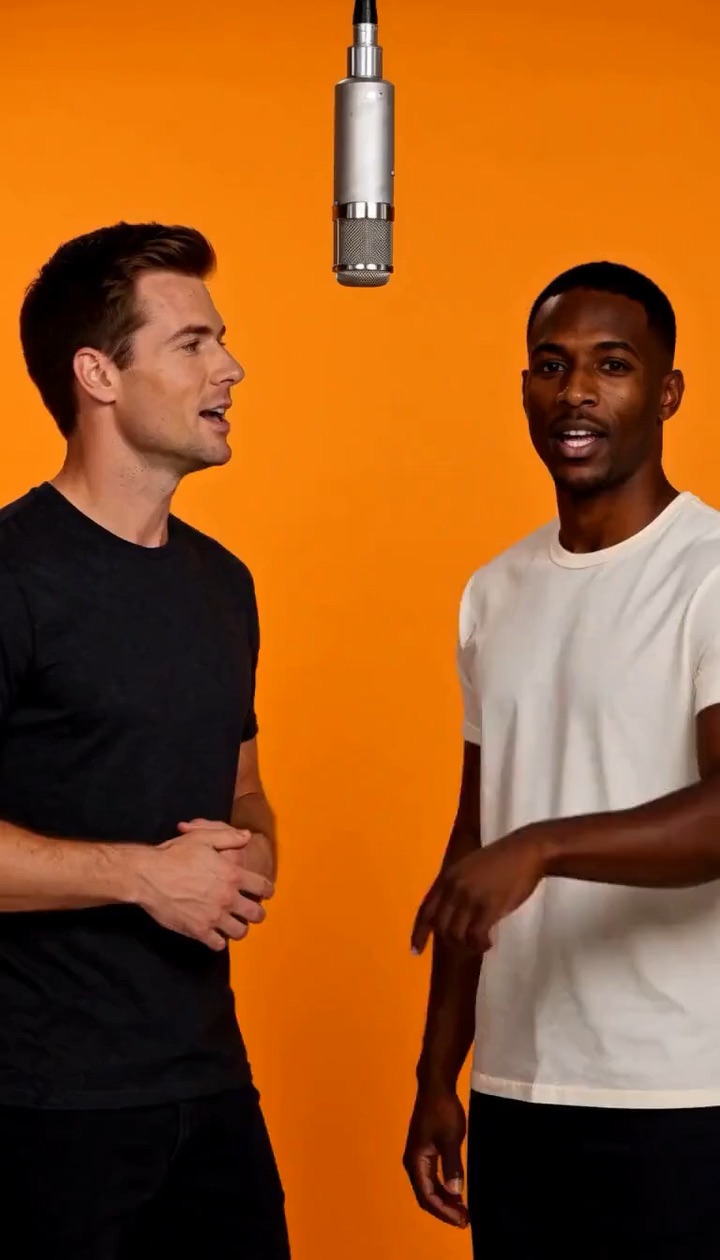
Hotel Lobby Duo
2 photos
An orange booth, one hanging mic, you and a friend trading bars.
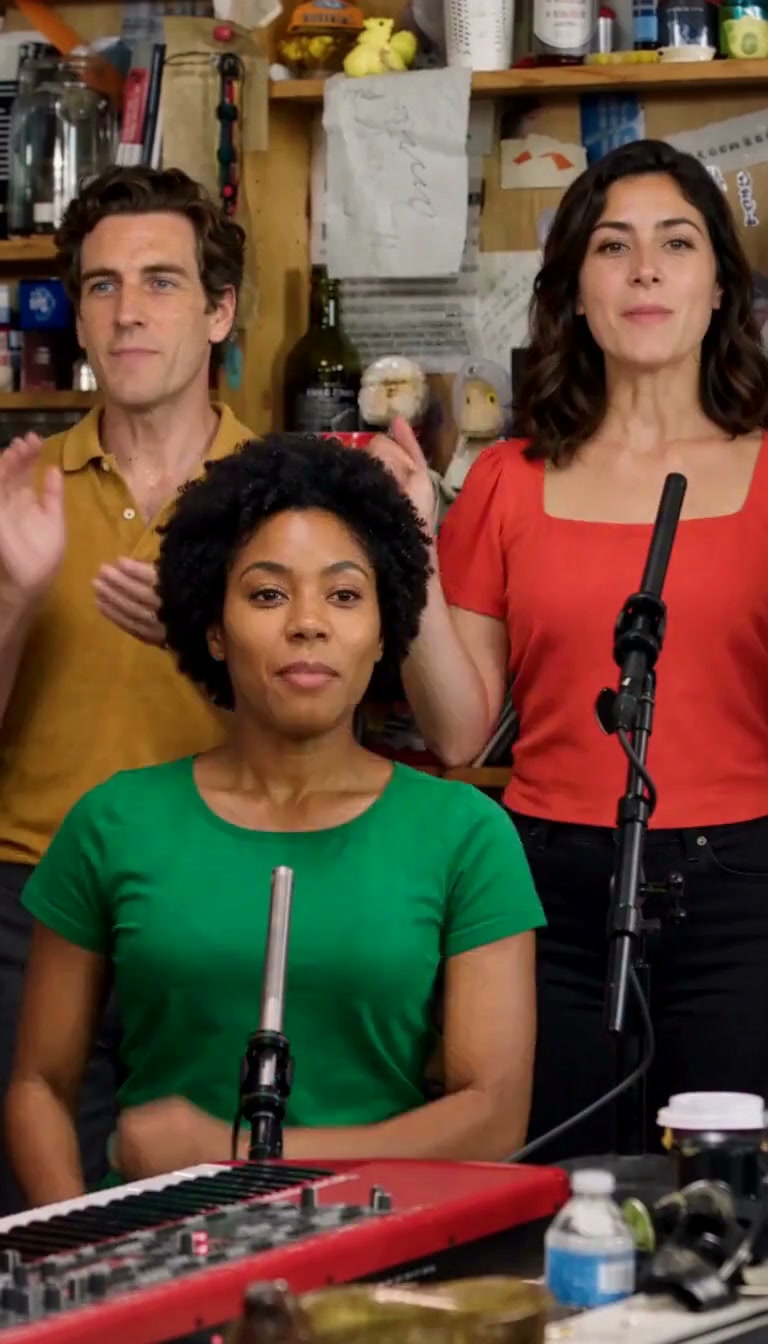
Outstanding
1–5 photos
Your desk concert cast: choose any of five roles, from the keyboard to the sax solo.
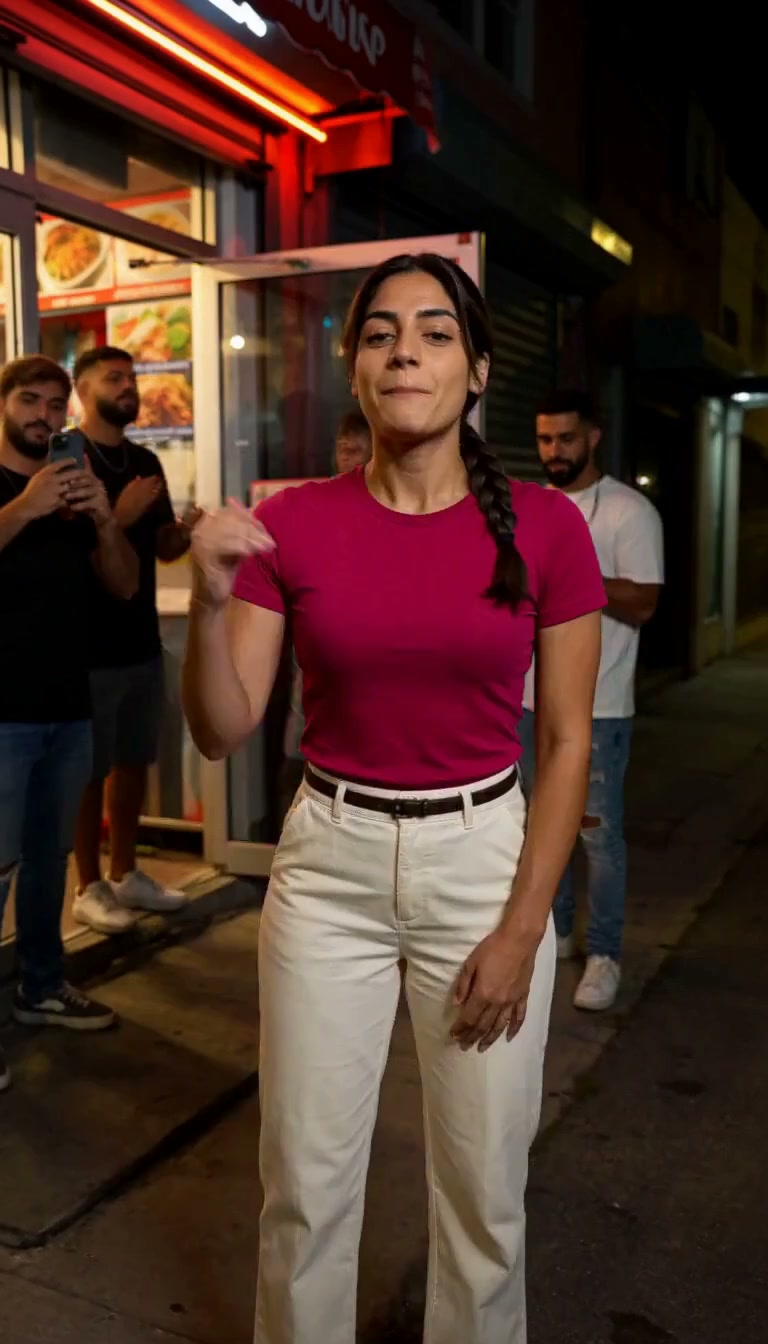
Bulin 47
1 photo
Your photo. Your look. A 15-second original street rap with music and vocals.
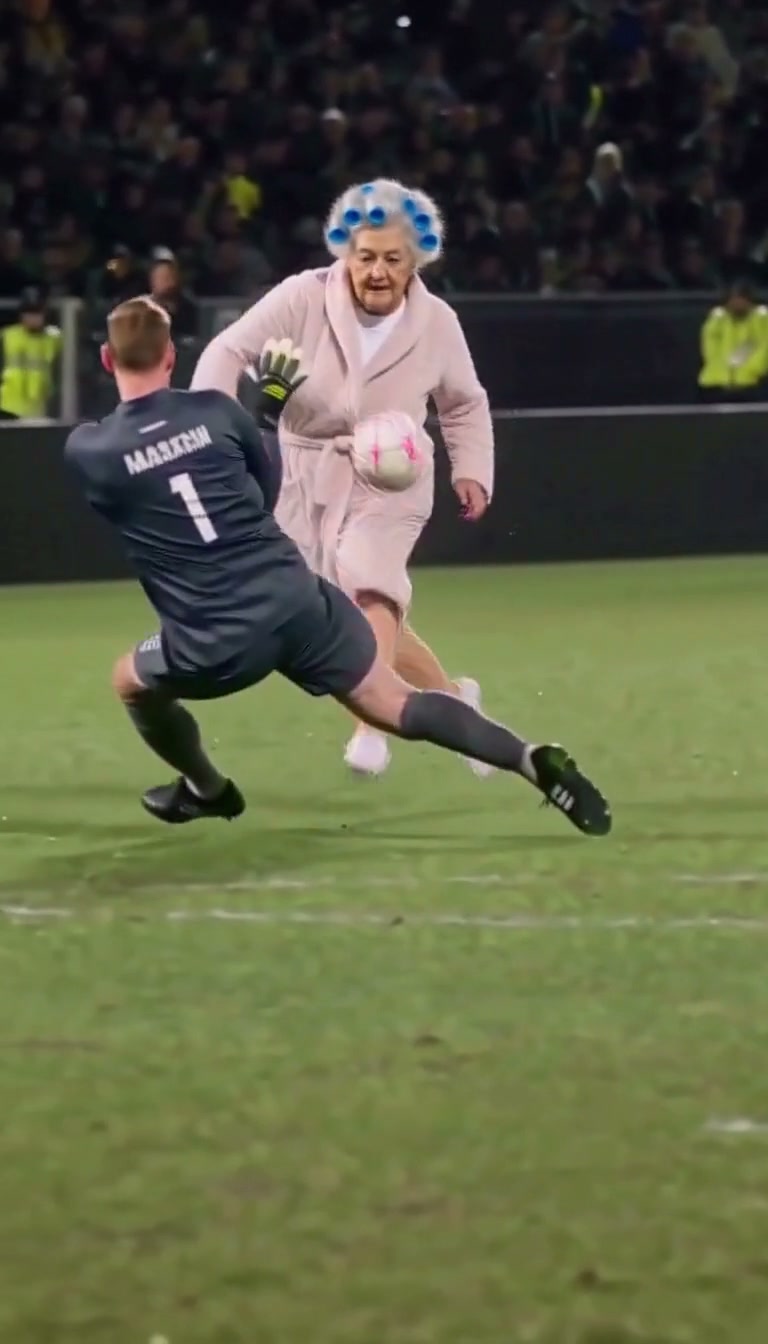
Ozil Goal
1 photo
Chip the keeper, evade two defenders and finish the goal in your own clothes, following a 14-second replay with audio.